Genofeld
Create a genogram – online, free, without signing up
Genofeld is a genogram program in your browser. You draw a family over several generations: who belongs, how the people are connected and how they relate to each other. The legend builds itself, and you export the drawing as an image or PDF – and without an account, the details stay on your device.
- free
- no sign-up
- no watermark
- in English
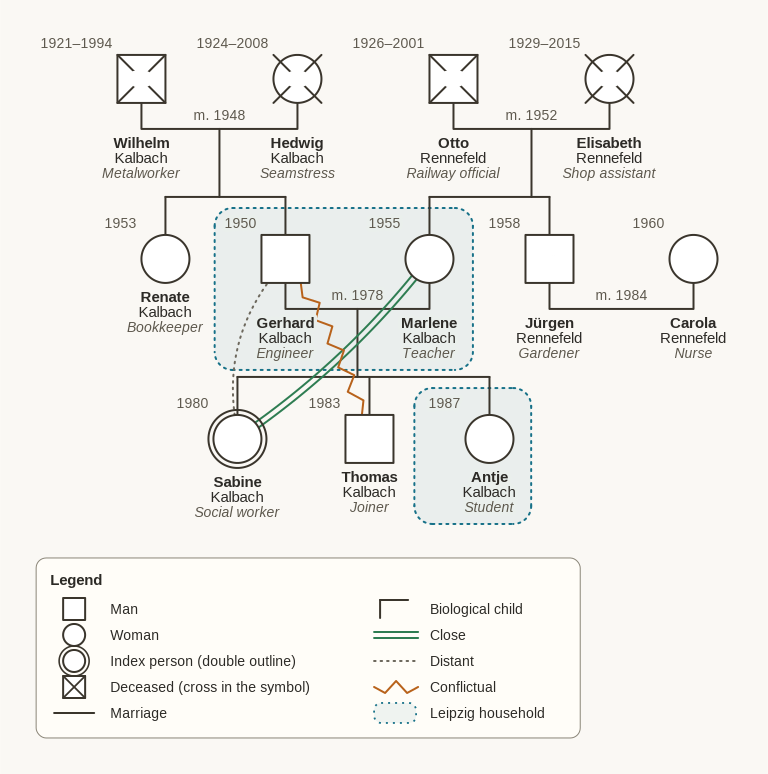
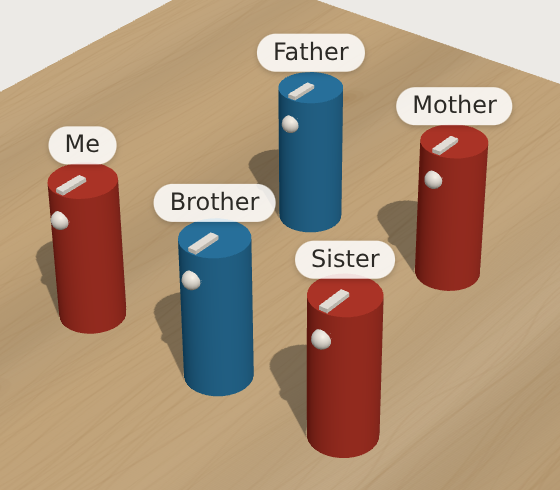
Send the family from the genogram to the systemic board
Mark the people in the genogram that you want to work with – individually, or the family of origin with one button. One click puts them on the Parafeld System Board as figures, labelled with first names, with roles such as “Mother” or not at all. Last names, dates, illnesses and notes do not go along, and nothing goes to a Genofeld server.
The Parafeld System Board is Genofeld’s sister program: parafeld.de
What you notice about Genofeld as you draw
A genogram is often drawn during a conversation, while someone is talking. That is what Genofeld is built for: five decisions you notice as you work.
- As fast as on paper. A person is on the sheet in seconds: click the symbol, “+ Partner”, “+ Child”, type the name. No form that has to be filled in first.
- The layout stays the way you put it. “Arrange” is a button of its own that you press when you want it – and that you can undo. Nothing shifts by itself in the background.
- Nothing is locked. All symbols, all lines, image and PDF without a watermark, without signing up.
- Showing without the sensitive parts. The confidential view hides illnesses, causes of death, themes, notes and sensitive relationship lines and, if you wish, shows names as initials – for the conversation at the screen or for the printout.
- Two additional perspectives. The chronology puts all events in time order and gives the ages of the people involved. “Patterns” points out in a factual way what repeats itself – as a pointer, not as an interpretation.
How to draw your first genogram
- Start with one person Open the program and put the first person on the sheet – usually the index person, the person it is about. You type the name and year of birth right at the symbol.
- Add the family The selected person has “+ Partner”, “+ Child”, “+ Parents” and “+ Sibling”. This way the genogram grows generation by generation while you listen.
- Add lines and details Couple lines with years, relationship lines between two people, traits, occupations, places, themes. Finally, click “Arrange” and export the drawing as an image or PDF.
If you would rather start with a ready-made framework: the templates contain seven invented example families that you can open and continue drawing. The guide takes you through it step by step.
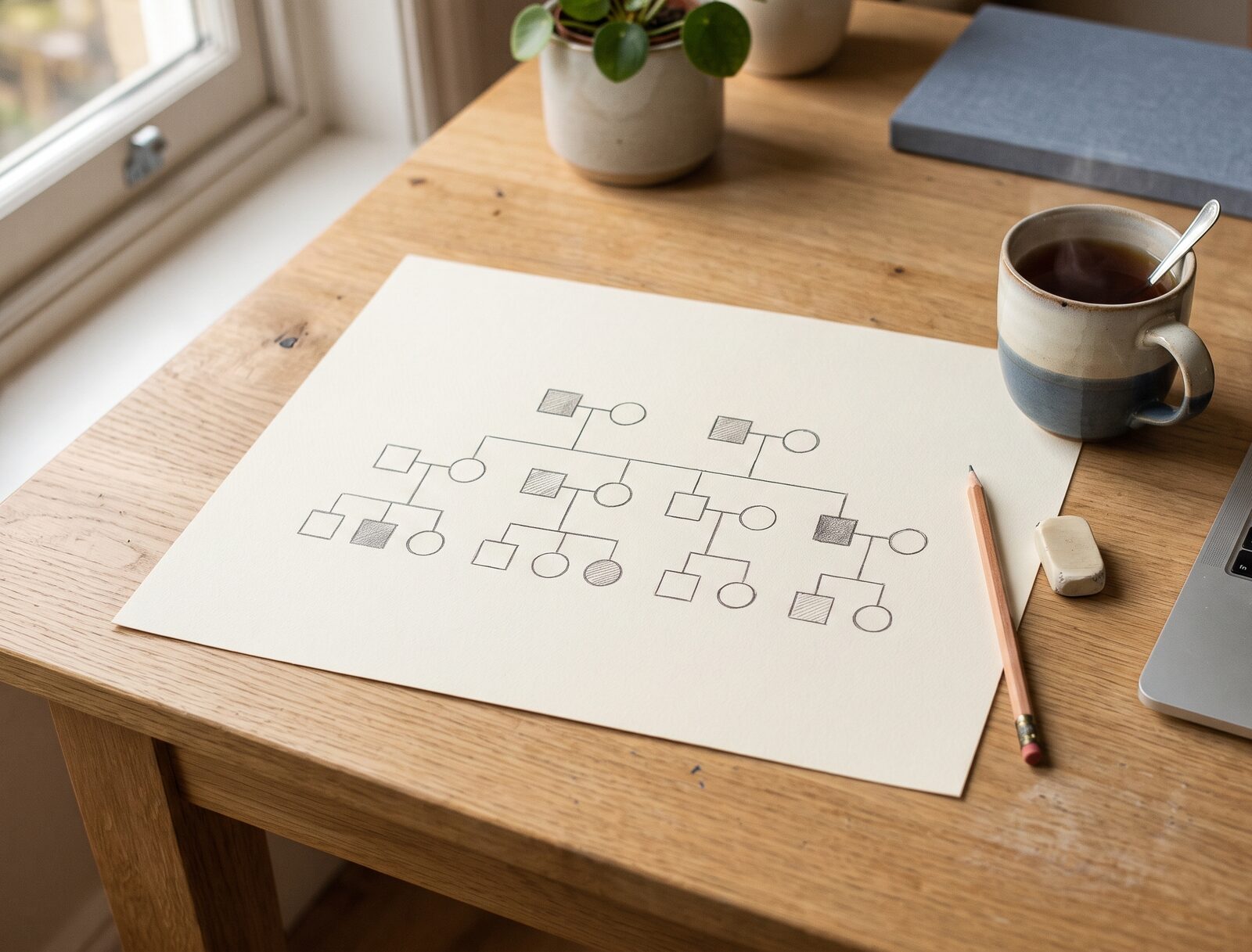
The features at a glance
What Genofeld can do is described in detail on these pages.
- Symbols and linesPeople, couple lines, child lines, relationship lines, traits – and the legend that goes with them.Find out more →
- Send to the boardMark people, and they are ready as figures on the Parafeld System Board.Find out more →
- Quick drawingFour buttons, names right at the symbol, keyboard shortcuts – and “Arrange” as a step of its own.Find out more →
- Confidential viewHide traits, causes of death, themes and sensitive lines, with names as initials.Find out more →
- Chronology and patternsEvents in time order with ages – and pointers to what repeats.Find out more →
- Saving and exportingFolder, file, PNG, SVG, PDF without a watermark – and reading and writing GEDCOM.Find out more →
Who Genofeld is for
For anyone who wants or needs to draw a genogram – in a conversation, in a case, in a written assignment.
- Systemic counselling and therapy: the genogram in the first sessions, together with the client.
- Constellation work: sorting out the family of origin before the constellation is set up.
- Social work and child and youth services: recording family constellations, drawing foster and adoptive relationships properly.
- Study and training: a correct figure with a legend for case work and written assignments.
- Nursing and medicine: the family history as a picture.
- Family historians: more than a family tree – with relationships and events.
Which questions matter in which field is described under Use cases.
What happens to your genograms
A genogram contains details about people who are not in the room: illnesses, causes of death, separations. That is why Genofeld is built so that these details do not leave your device unencrypted.
- The program runs in your browser. Without an account, genograms are stored in this browser’s storage and are not sent to us; in the account, they are stored on our server only in encrypted form.
- Sign-in only for the optional account, no cookies, no visitor statistics in the program, no fonts or scripts from other servers.
- You save important work as a file. If you clear the browser storage or switch devices, you need this file or an account.
- The website is hosted by ALL-INKL.COM in Germany; as with any website, access data is processed there when a page is called up.
What Genofeld costs
Drawing in the browser costs nothing. All symbols and lines are free, and the image, vector graphic and PDF come without a watermark, and there is no payment function. What may be added later is described under Pricing.
Frequently asked questions
Do I need to install anything or sign up?
No. Genofeld is a website and runs in a current browser on a computer, a tablet and a phone. You only need to sign in for the optional account; there is no app from a store.
Where are my clients’ details stored?
Without an account, in the browser’s storage on your device and, if you wish, in a file that you store yourself. In the account, they are stored with us only in encrypted form. Protecting and backing up the device is up to you – more on this under Data and security.
Are the symbols the usual ones?
Genofeld follows the widely used notation: square for a man, circle for a woman, cross for deceased, one slash for separated, two for divorced, children from left to right in birth order. Some signs differ from textbook to textbook – that is why every genogram needs a legend, and Genofeld creates it itself. All the signs and their meanings are under Genogram symbols.
Can I print the genogram or insert it into a written assignment?
Yes. You can export the drawing as an image (PNG), as a vector graphic (SVG) and, via the print view, as a PDF – without a watermark, with or without legend and title.
More answers are under Frequently asked questions. What a genogram actually is and how it differs from a family tree is explained on the page What is a genogram? – along with the other basics under About genograms.