Templates: seven example families
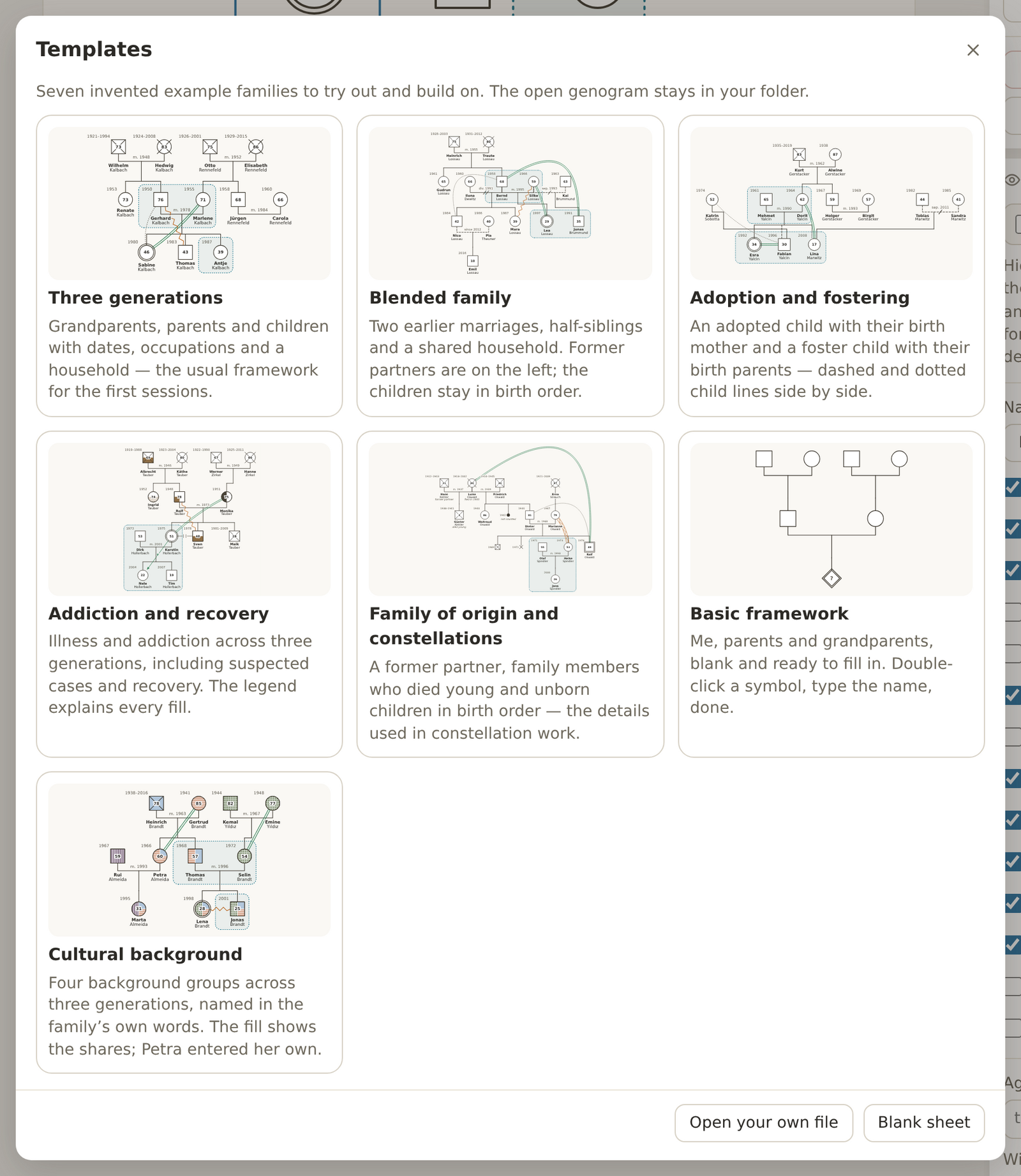
A blank sheet is the hardest start. That is why Genofeld comes with seven ready-made genograms: six invented families that contain the most important symbols – one of them with its cultural background – and a blank framework to fill in. You can open each template in the program, look at it, change it and continue it as your own genogram.
All the families are invented. Names, years, occupations, places, illnesses and events are made up and do not belong to any real people. Real details about clients have no place in an example – and in Genofeld they are only ever stored on your own device or encrypted in your account.
- Three generationsFour grandparents, parents, three children – the basic pattern of a genogram.Find out more →
- Blended familyTwo earlier relationships, half-siblings, one household – a blended family in the picture.Find out more →
- Adoption and fosteringAn adopted child and a foster child, with their birth parents in the picture.Find out more →
- Addiction and recoveryTraits across three generations: current, suspected, in recovery.Find out more →
- Family of originFormer partners, family members who died young, unborn children, themes.Find out more →
- Basic frameworkMe, parents, four grandparents – without names, ready to fill in.Find out more →
- Cultural backgroundBackground in the family’s own words, as a fill in the symbols.Find out more →
How to use a template
Clicking “Open in Genofeld” loads the example onto the drawing area. There you can change everything: rename people, change years, delete lines, add generations. The template itself stays unchanged – you are working on a copy that is kept in the “Folder” in your browser. If the result is to become your own genogram, rename it in the header and save it as a file.
There are two common ways. Either you delete the details of a template whose structure fits your case and fill it in again – the line types you need then stay in place. Or you start with the blank framework and build outwards from the index person.
What else the examples are good for
For teaching: in a training course or a seminar, an invented family lets you show what a dotted child line means without opening a real case. For learning to read genograms: once you have seen the symbols from the symbol overview in a finished picture, you recognise them more quickly. And for trying things out: the chronology and the “Patterns” panel show best what they do with a complete example.